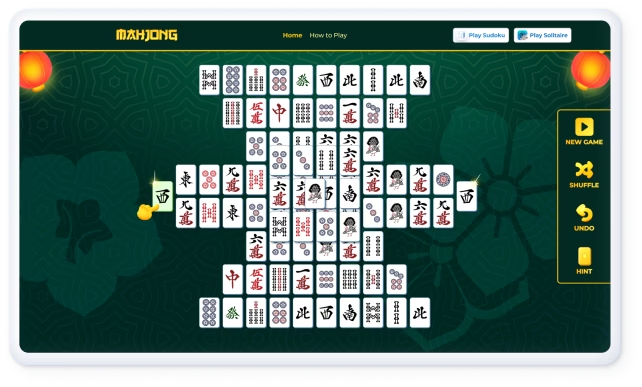
Quick Browser Game No Download: Play Instantly in 2026

Quick Browser Game No Download: Play Instantly in 2026
A quick browser game no download required is defined as any web-based game that runs entirely inside your browser using HTML5, WebGL, or WebAssembly, with no installation, no account, and no waiting. These instant online games have surged in popularity because they remove every barrier between you and play. You open a tab, the game loads, and you're in. Players increasingly expect this kind of zero-friction access, and the technology behind modern browsers now makes it fully possible without sacrificing quality or performance.
What technology makes no download browser games fast and playable?
Three technologies work together to make browser games without download feel as smooth as installed software: HTML5, WebGL, and WebAssembly.
HTML5 is the foundation. It gives browsers a built-in game engine of sorts, handling audio, animation, canvas rendering, and input events natively. You no longer need Flash or any third-party plugin. HTML5 also makes cross-platform compatibility possible, so the same game code runs on Chrome, Firefox, Safari, and Edge without modification.

WebGL takes graphics further. It gives the browser direct access to your device's GPU, which is why 60 FPS performance is achievable in modern browsers without a local install. That frame rate matters for casual games because smooth animation reduces eye strain and keeps the experience relaxing rather than frustrating.
WebAssembly handles the heavy logic. It compiles game logic into compact binaries that browsers execute at near-native speed. This means puzzle games, tile-matching games, and even light strategy games run responsively without taxing your CPU. The result is a game that feels local but lives entirely on a server.
Beyond these three, WebGPU and progressive web apps (PWAs) are pushing the standard even further. PWAs let browser games install as shortcuts on your home screen and even support offline play, all without going through an app store. Server-side processing also shifts heavy computation away from your device, which means a five-year-old laptop and a brand-new tablet can run the same game with similar performance.
Pro Tip: If a browser game feels sluggish, check whether the site uses a CDN (content delivery network). Games hosted on CDNs like Cloudflare or AWS CloudFront load faster because assets are served from a server closest to your location.
Key technologies at a glance:
- HTML5: Native browser rendering, no plugins needed
- WebGL: GPU-accelerated graphics up to 60 FPS
- WebAssembly: Near-native game logic execution
- PWAs: Offline play and home-screen shortcuts without app store downloads
- Server-side hosting: Zero storage used on your device
What do you need to play quick browser games with no download?
The requirements are minimal, which is the whole point. You need a modern browser, a stable internet connection, and a device with a screen. That covers most of what people already own.
Supported browsers: Google Chrome (version 90+), Mozilla Firefox (version 88+), Microsoft Edge (version 90+), and Apple Safari (version 14+) all support HTML5 and WebGL fully. Older browser versions may struggle with WebGL-heavy games, so keeping your browser updated is the single most useful habit you can build.
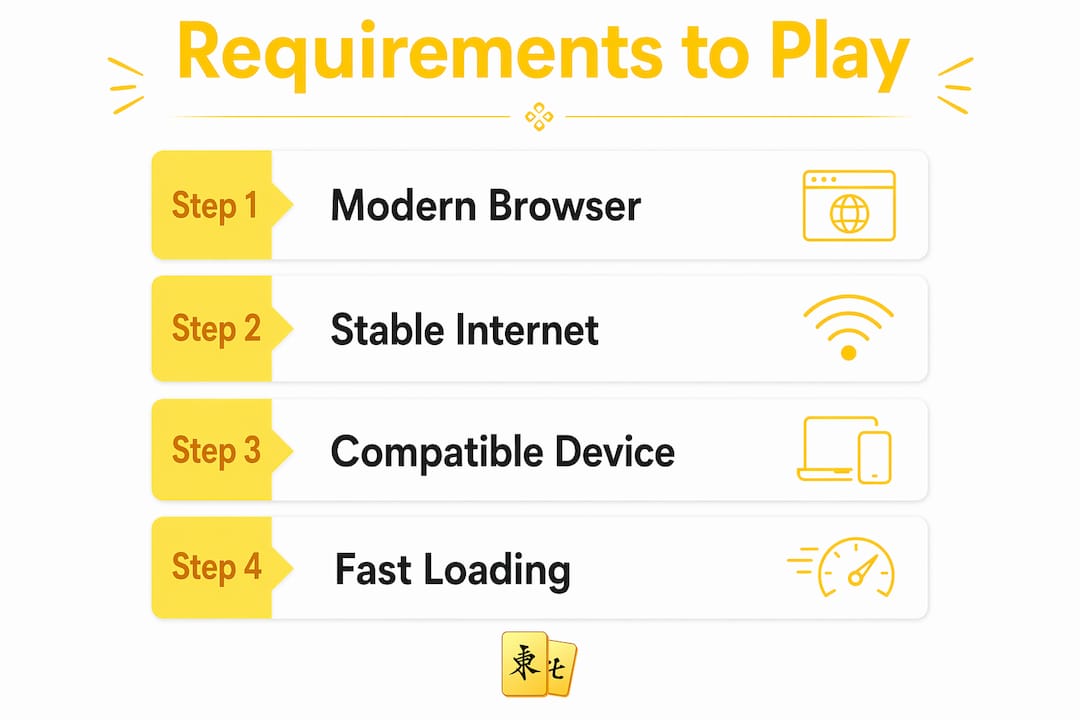
Internet speed: A connection of 5 Mbps or faster handles most casual browser games without lag. Network quality drives responsiveness far more than your device's hardware in browser gaming. A fast phone on a weak Wi-Fi signal will underperform a slower laptop on a solid wired connection.
Device compatibility: HTML5 browser games run uniformly across desktop, mobile, and tablet. You do not need a gaming PC or a flagship phone. A mid-range Android tablet, an older MacBook, or a Chromebook all work fine for tile-matching games, word puzzles, and casual arcade titles.
Here is a quick checklist before you start:
- Browser updated to a version released in 2022 or later
- Internet connection at 5 Mbps or faster (check at Fast.com)
- JavaScript enabled in browser settings
- Hardware acceleration turned on (found in browser advanced settings)
- Ad blockers set to allow the game site, since some block WebGL scripts
One statistic worth knowing: most players abandon a game that takes longer than 5 seconds to load. That means the platform you choose matters as much as your connection. Well-optimized sites like Mahjong Online Club load game assets progressively, so you can start playing before everything fully renders.
How to find and start playing quick no-download browser games
Finding and launching a free online browser game takes under two minutes when you know what to look for. Here is a step-by-step process that works consistently.
Choose a trusted platform. Look for sites that specialize in a specific game type rather than aggregators with thousands of low-quality titles. Mahjong Online Club focuses on tile-matching puzzles. WorldleCity focuses on daily city guessing games and geography quizzes. Specialization usually means better optimization and fewer broken games.
Check for a "no sign-up" label. The best free online browser games let you play without creating an account. If a site immediately asks for an email before showing you the game, move on. Platforms that require registration add friction that defeats the purpose of instant play.
Filter by game type or mood. Most quality platforms organize games by category: puzzle, arcade, strategy, word, or relaxation. If you want stress relief, filter for puzzle or tile games. These genres have lower stimulation levels and are specifically designed for short, focused sessions.
Click and wait for the load indicator. A well-built browser game shows a progress bar or percentage counter. If the screen stays blank for more than 8 seconds, refresh once. If it stays blank again, the issue is likely a browser extension blocking WebGL.
Start playing without saving. Most casual browser games do not require you to save progress manually. Session data is stored in your browser's local storage automatically. You can close the tab and return later on the same device to continue where you left off.
Bookmark favorites for faster return visits. Once you find a game you enjoy, bookmark it. On mobile, use the "Add to Home Screen" option in your browser to create a shortcut that opens the game in one tap.
Pro Tip: Use your browser's private or incognito mode if you want a completely fresh session with no cached data. This is useful for testing whether a slow load is caused by corrupted cache files.
Common issues and how to fix them when playing browser games
Browser games are reliable, but a few problems come up often enough to address directly. Most fixes take less than a minute.
Slow loading or lag: The most common cause is network quality, not your device. Lag in browser games is driven primarily by internet connectivity. Move closer to your router, disconnect other devices from Wi-Fi, or switch from Wi-Fi to a wired connection if possible.
Black screen or blank game area: This almost always means WebGL is blocked. Open your browser settings, search for "hardware acceleration," and make sure it is enabled. Then reload the page.
Game freezes mid-session: Clear your browser cache. In Chrome, press Ctrl+Shift+Delete (or Cmd+Shift+Delete on Mac), select "Cached images and files," and clear. Reload the game afterward.
Extensions causing conflicts: Ad blockers, VPNs, and script blockers sometimes interfere with WebGL or block game scripts. Disable extensions one at a time to identify the culprit, or whitelist the game site in your ad blocker settings.
Mobile display issues: If a game looks cut off on your phone, try rotating to landscape mode. Most browser games are designed with a landscape layout in mind. If the issue persists, switch to Chrome on Android or Safari on iOS, as both have the most consistent WebGL support on mobile.
When in doubt, switch browsers before assuming the game is broken. Chrome and Firefox resolve the majority of compatibility issues that Safari or older Edge versions create.
What are the benefits of playing no-download browser games for stress relief?
The core benefit of no-download gaming is zero setup time. You do not manage files, wait for updates, or free up storage space. You open a browser and play. That frictionless access is exactly what casual gamers need during a short break.
Browser games eliminate local storage requirements entirely, which means no multi-gigabyte downloads and no storage management. This matters on phones and tablets where storage is limited. It also matters for older adults who may not want to manage app installations.
Players dislike waiting for downloads or updates and strongly prefer instant access without mandatory accounts. That preference has driven a clear comeback in browser gaming in 2026, with platforms that prioritize simplicity gaining the most loyal audiences.
Here is how browser games compare to other gaming platforms on the factors that matter most to casual players:
| Factor | Browser games | Mobile apps | Console/PC games |
|---|---|---|---|
| Setup time | Zero | 2–10 minutes | 10–60+ minutes |
| Storage needed | None | 100 MB–2 GB | 5–100+ GB |
| Account required | Usually no | Often yes | Usually yes |
| Cross-device play | Yes, any browser | Limited | Rare |
| Cost | Free or ad-light | Freemium or paid | Paid |
| Stress-relief focus | High (puzzle/casual) | Mixed | Mixed |
More than half of weekly players use multiple devices, which makes browser games the natural fit for people who switch between a work laptop, a home desktop, and a phone throughout the day. You pick up exactly where you left off without syncing, transferring, or logging in.
Browser games also tend to use lighter monetization. Free browser game platforms are increasingly moving away from aggressive in-app purchases toward ad-light or fully free models. That means fewer interruptions and a calmer experience, which directly supports the stress-relief goal.
For casual gamers specifically, tile-matching games like Mahjong solitaire, word puzzles, and geography games like map-based quiz games offer the right balance of mental engagement and low pressure. They are easy to start, satisfying to complete, and simple to put down.
Key takeaways
Quick browser games with no download are the most accessible form of casual gaming available in 2026, requiring only a modern browser and a stable internet connection to play instantly on any device.
| Point | Details |
|---|---|
| Technology enables instant play | HTML5, WebGL, and WebAssembly deliver smooth, fast games without any local install. |
| Network matters more than hardware | Lag in browser games is driven by internet quality, not your device's processing power. |
| Zero setup is the core advantage | No downloads, no accounts, and no storage use make browser games ideal for short breaks. |
| Cross-device play is built in | Over 53% of weekly players use multiple devices, and browser games support this natively. |
| Platform choice affects experience | Specialized, ad-light platforms load faster and deliver a calmer, more focused session. |
Why browser games without downloads are the format casual gaming needed
I have spent a lot of time watching people struggle with gaming setups that were supposed to be simple. A friend downloads a "free" mobile game, spends 20 minutes installing it, creates an account, sits through an onboarding tutorial, and then gets hit with a paywall before the actual game begins. That is not stress relief. That is a second job.
Browser games solve this in a way that feels almost obvious in hindsight. The format matches how most casual players actually want to engage with games: briefly, on whatever device is nearby, without commitment. I find that people who say they "don't really game" are often playing browser games regularly without labeling it that way. They are doing a daily word puzzle, matching tiles during a lunch break, or guessing cities on a map. The zero-friction format is what makes it feel approachable rather than like a hobby that requires gear.
What I think gets underestimated is the cognitive value of this format. Tile-matching games like Mahjong solitaire are not just time-fillers. They build pattern recognition and working memory in a low-stakes environment. The tile-matching puzzle format is particularly well-suited to this because it rewards attention without punishing mistakes harshly. You can stop mid-game, come back, and re-engage without losing your mental thread.
The trend I expect to continue through 2026 and beyond is the convergence of PWA technology with browser gaming. As more platforms adopt PWA features, the line between "browser game" and "app" will blur further. But the core appeal will stay the same: instant access, no friction, and a game that respects your time.
— Dmytro Romaniuk
Try Mahjong Online Club for instant, relaxing browser play
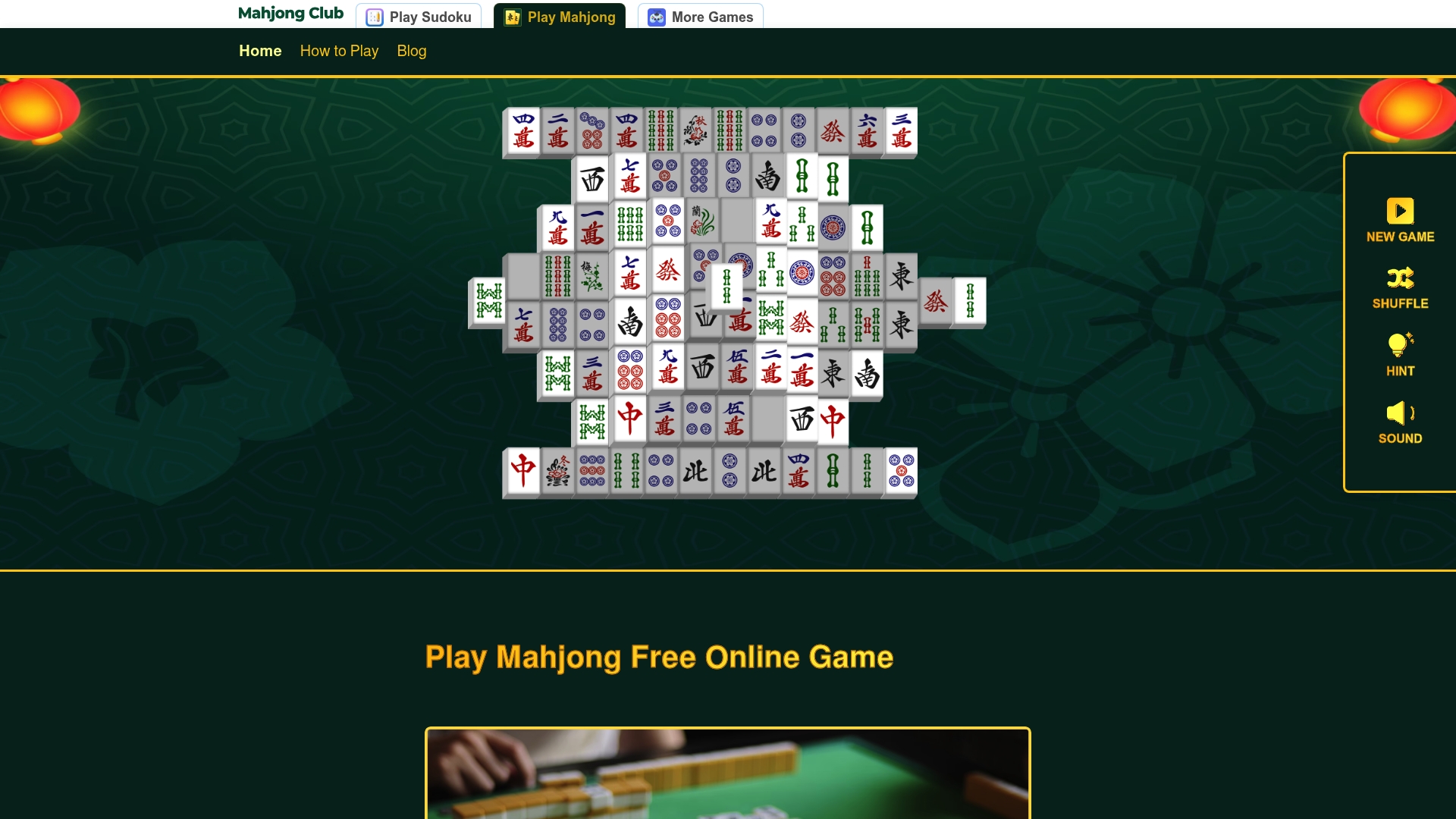
Mahjong Online Club is built for exactly the kind of play this article describes: open your browser, start a game, and relax. No registration, no download, no ads interrupting your focus. The platform runs on any device with a modern browser, loads quickly, and offers a clean interface designed around calm, focused sessions. Whether you have five minutes between meetings or an hour on a Sunday afternoon, the experience stays consistent. Play Mahjong free right now and see why tile-matching in the browser is one of the most satisfying quick-play formats available. If you want to sharpen your approach before diving in, the Mahjong strategy guide walks you through rules, tile patterns, and winning techniques in plain language.
FAQ
What is a quick browser game with no download?
A quick browser game with no download is a web-based game that runs entirely inside your browser using HTML5 or WebGL, requiring no installation, no account, and no local storage. You open a URL and the game loads directly in the tab.
Why do browser games need no install?
Browser games use HTML5, WebGL, and WebAssembly to run game logic and graphics natively inside the browser, so all processing happens in the tab rather than on a locally installed application. The game files live on a server and stream to your browser on demand.
How fast should a browser game load?
Most players expect a browser game to load within 3 seconds, and abandonment rises sharply after 5 seconds. Choosing platforms optimized with CDN hosting and progressive asset loading keeps load times well within that window.
Can I play browser games on my phone without downloading anything?
Yes. HTML5 browser games run uniformly across desktop, mobile, and tablet devices. Open Chrome or Safari on your phone, navigate to the game site, and play directly in the browser without visiting an app store.
What causes lag in browser games?
Lag in browser games is caused primarily by network quality rather than device hardware. A weak or congested Wi-Fi connection creates more lag than an older device. Moving closer to your router or switching to a wired connection resolves most performance issues.
Recommended
Similar Articles
Chinese Numbers on Mahjong Tiles: 1–9 Beginner Guide
Expert guide to Chinese numbers on mahjong tiles. Learn 1–9 Characters (wan) fast with pro tips, mnemonics, and a reference table you can trust.
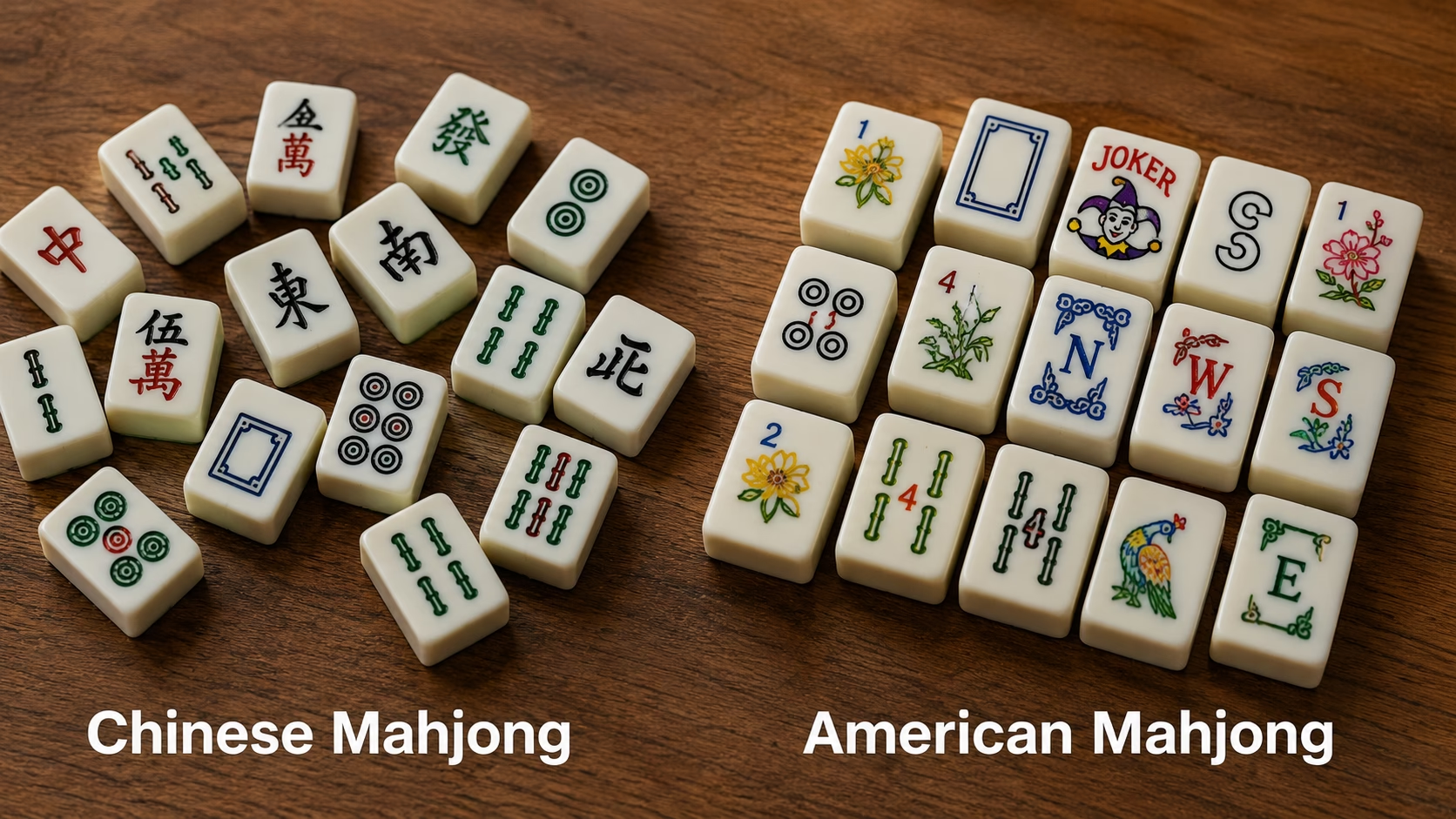
Chinese mahjong vs American mahjong: rules, tiles, scoring
Expert guide to Chinese mahjong vs American mahjong. Data-backed rules, tiles, and scoring comparison with pro tips and a clear table to choose.

What Is the Goal of Mahjong? Rules and Strategy
Discover what is the goal of Mahjong and master the rules and strategies for forming a winning hand. Start your game with confidence!