


Play Mahjong Online for Free
The board above is ready: this is Mahjong Solitaire, the classic tile-matching game, and you can play it right now for free. Find two matching tiles that are free, click them, and they leave the board. Clear all 144 tiles and the board is yours. There is nothing to download and no account to create. The game runs in your browser on a computer, a tablet or a phone.
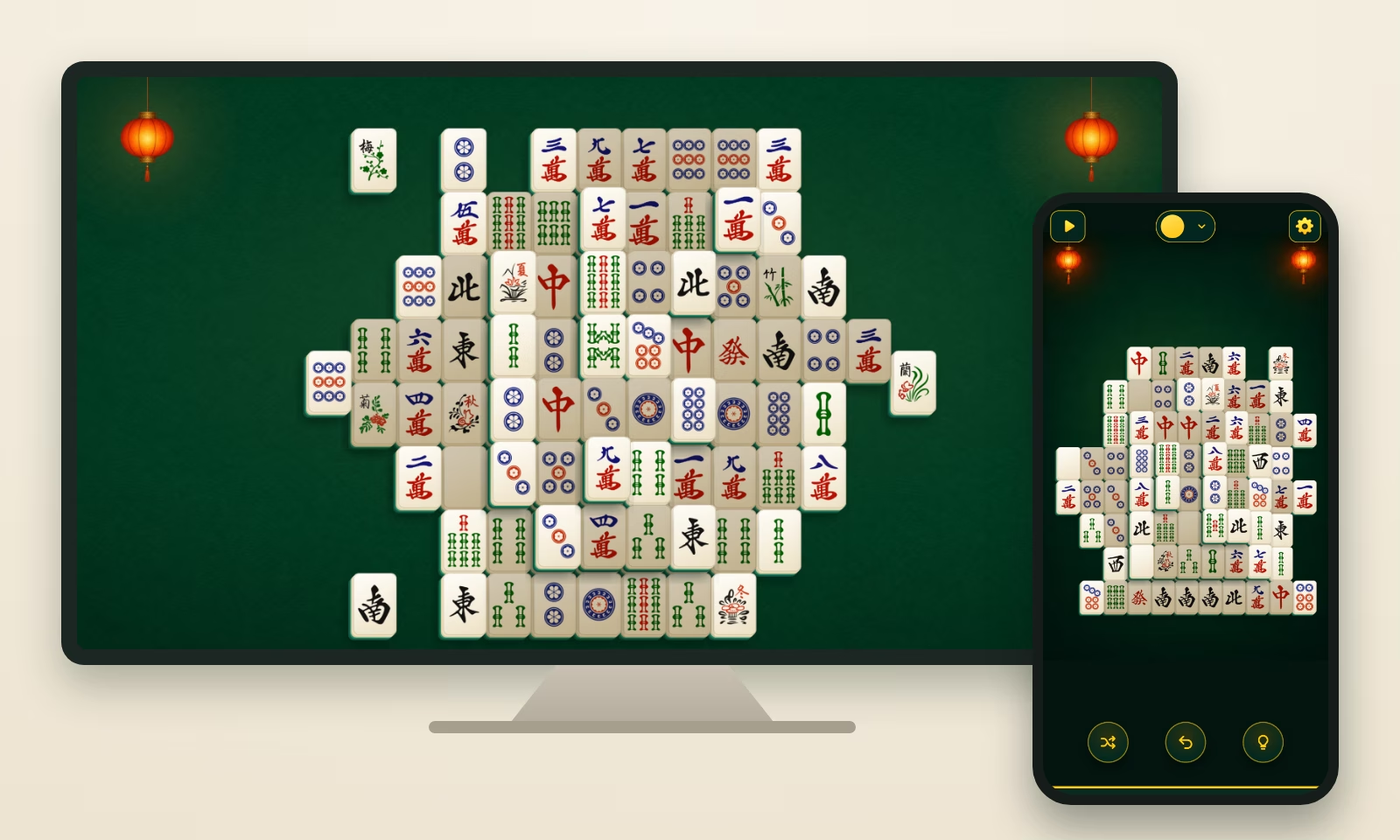
Many people keep a board open for a quiet break: ten minutes with a cup of tea, a pause between tasks, a calm end to the evening. There is no timer and no score here, so the pace is always yours.
How do you play Mahjong Solitaire?
The rules fit in a minute. You remove tiles two at a time, and both tiles must show the same face and both must be free.
A tile is free when nothing lies on top of it and its left or right side is open. A tile with neighbours on both sides is locked, even if nothing covers it. The Flowers and the Seasons are the friendly exception: any Flower pairs with any other Flower, and any Season with any other Season. Every other tile, Winds and Dragons included, must match exactly.
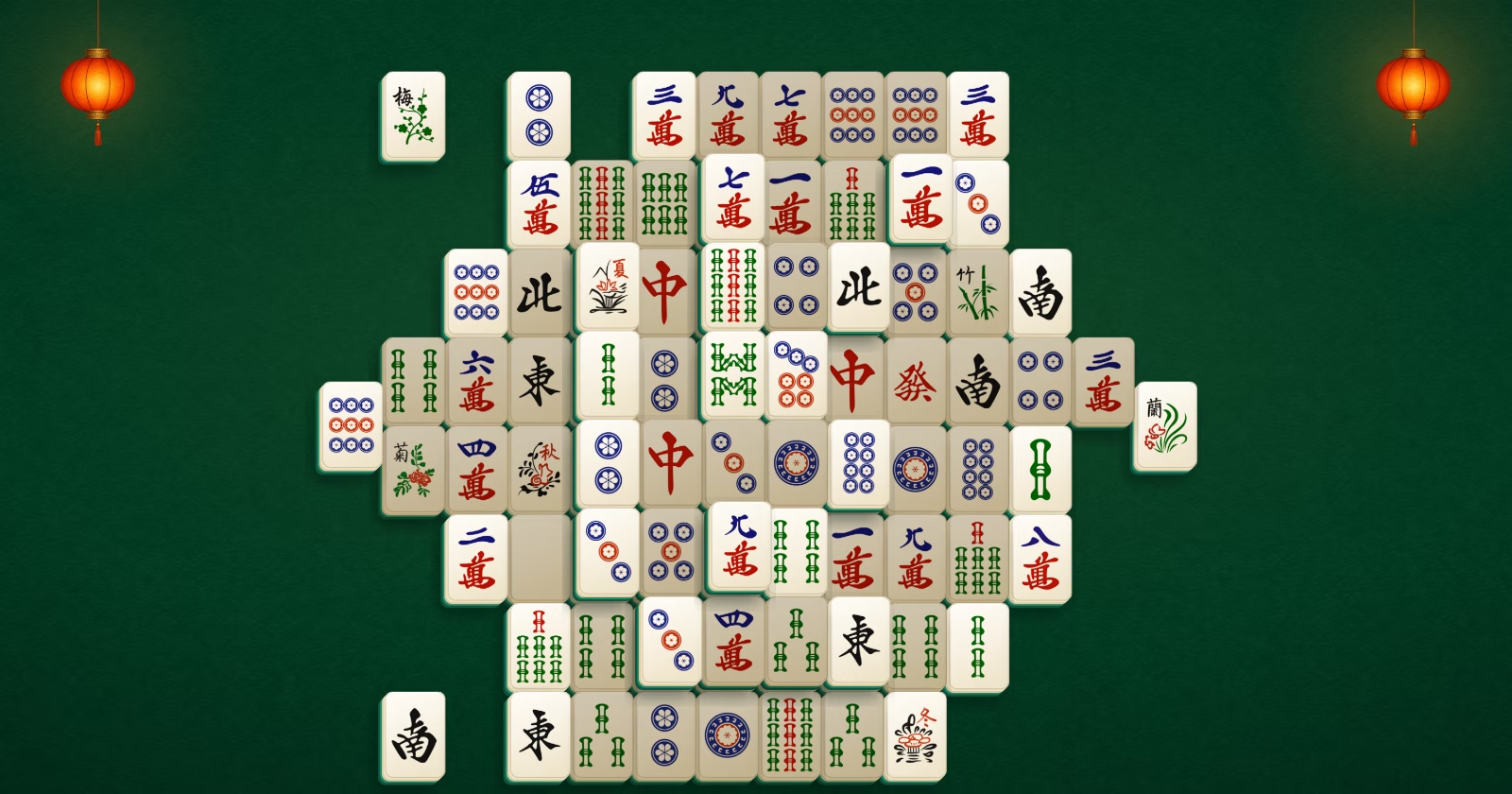
Free tiles look brighter, and blocked tiles are slightly dimmed, so you can see your options at a glance. Click a blocked tile and it gives a small shake, while the tiles in its way flash for a moment. For every tile family and a few habits that make boards easier, read the full Mahjong Solitaire rules and tile guide.
What's waiting for you on Mahjong Online Club?
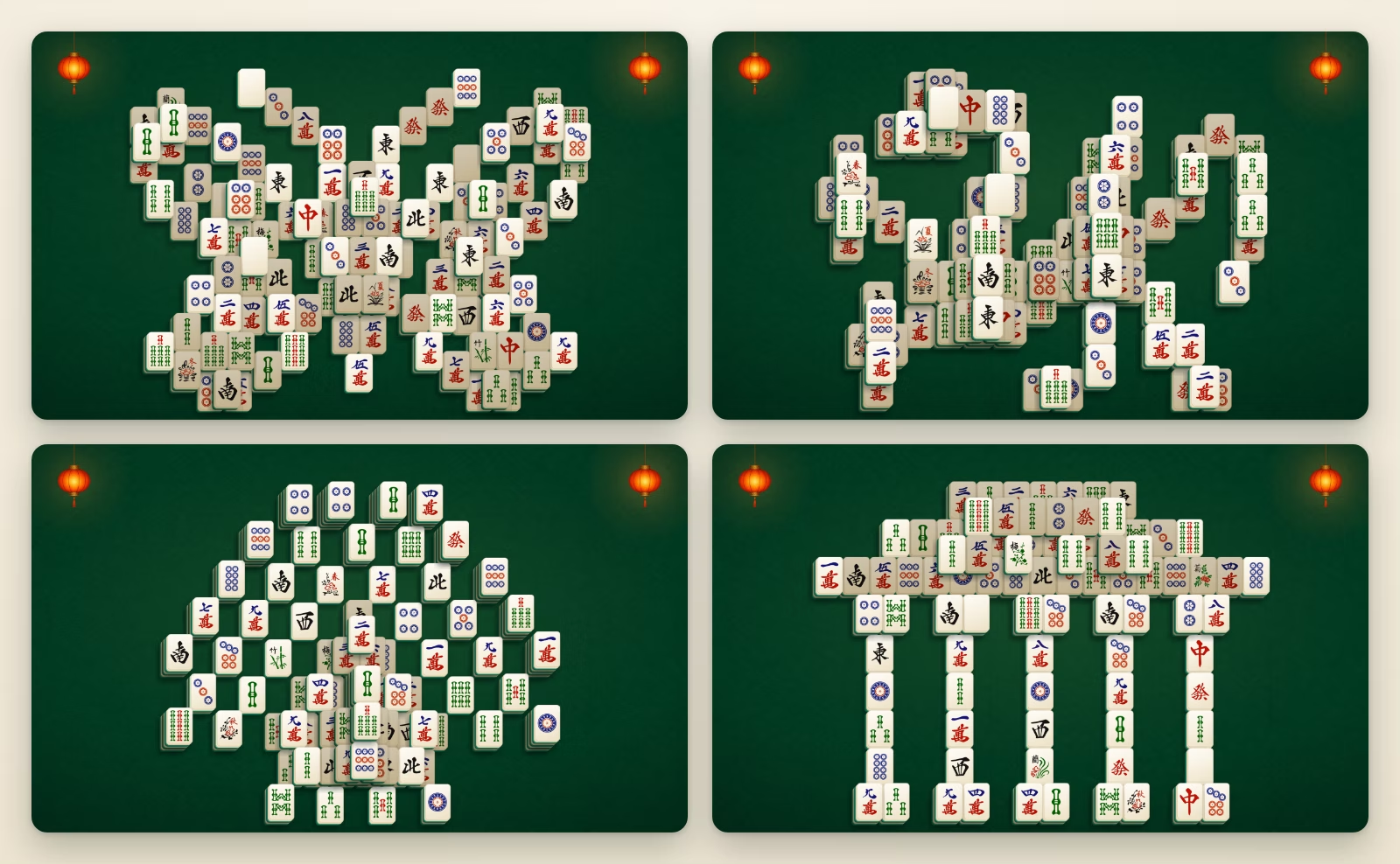
55 levels, each with its own layout. Level 1 is the classic Turtle, the shape most people picture when they hear "Mahjong Solitaire". After it come Bridge, Butterfly, Peacock, Pantheon, Dragon and many more, from relaxed boards to tricky ones. Each new level opens when you clear the one before it, and you can replay any level you've finished. The level list shows a small picture of every layout and its difficulty, from one dot to three.
Help that never costs you anything. Hint shows a pair you can take right now. Undo puts back your last pair, as many times as you like. Shuffle mixes the remaining tiles into a new position that can still be cleared. And if no free pair is left, the game tells you so and offers Shuffle or Undo, so you are never stuck staring at a full board.
Your game waits for you. Close the tab or reload the page, and the board comes back exactly as you left it, with your Undo history. Press Continue and carry on. Your board and your levels are saved in the browser you play in, on that device.
Six short lessons for beginners. New to the game? Open Learn to play in the main menu. Each lesson shows one rule on a small board: matching a pair, the open side, nothing on top, Flowers and Seasons, the help buttons, and thinking one move ahead.
Full screen and keyboard shortcuts. On a computer, press F for full screen, Space for a hint, Ctrl + Z (⌘ + Z on a Mac) to undo and R to shuffle.
Can every board be cleared?
Yes. Every board here is dealt so that it can be cleared, and Shuffle keeps it that way. When you run out of moves, it's usually because of an earlier choice, not bad luck. Two habits help the most.
First, work from the top. A pair taken from a high stack frees the tiles underneath, while a pair from the bottom edge often frees nothing. Second, watch out when three identical tiles are free and the fourth is buried. Pair the two that keep the buried tile reachable, or it may end up with no partner. More calm, practical ideas are in Mahjong Solitaire tips that clear more boards.
Is Mahjong Solitaire the same as Mahjong?
Not quite. Classic Mahjong is a table game for four players: each player builds a hand of sets, a bit like rummy, with draws, discards and scoring. Mahjong Solitaire uses the same beautiful tiles for a single-player puzzle with one goal: take the whole board apart, pair by pair.
The solitaire game is much younger than the table game. It was first written as a computer game in 1981 by Brodie Lockard, and became widely known through Shanghai in 1986 (Wikipedia). If you're curious about the four-player game, start with what every Mahjong tile means or American vs Chinese Mahjong.
Questions players ask
Is Mahjong Online Club really free?
Yes. Every level is free to play, with no download, no sign-up and no payment.
Can I play Mahjong on my phone or tablet?
Yes. Open this page in your phone's browser and the board fills the screen, with Shuffle, Undo and Hint at the bottom. Nothing to install.
Can I play Mahjong in full screen?
On a computer, yes: press F or open the settings (the gear icon) and switch full screen on. Press F again to leave it.
Will I lose my game if I close the page?
No. The board, your Undo history and your opened levels are saved in your browser. Come back on the same device and browser, and press Continue.
Ready for a quiet board?
Scroll up and start with the Turtle on level 1, or open the level list and pick a layout you like. When you want a different kind of puzzle, try a fresh daily grid in Sudoku Pro, on the web or as an app for Android and iOS.